

Hands-free, for when changing screens is the slow part.
Pilot is the voice-first surface on top of Andy. For operators moving between sites, vehicles, or meetings — capture context, dictate the next step, approve a draft, all without touching a keyboard.
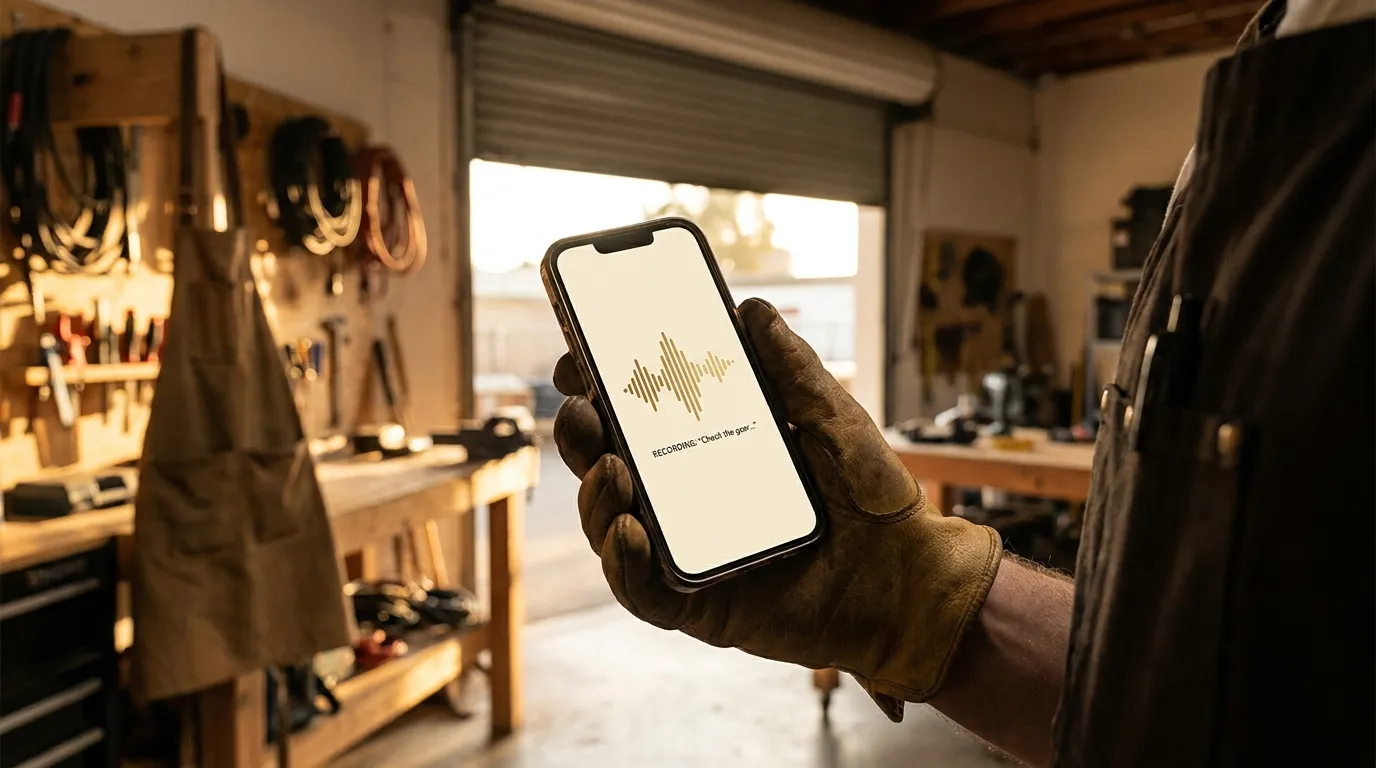
When Pilot is the right surface
If your work happens away from a keyboard — between sites, between meetings, in a vehicle, on a rental yard — Pilot is the surface that does not slow you down.
- Voice capture for a task that just came up.
- Dictate the next email; review the draft when you sit back down.
- Approve an Andy proposal by saying yes.
- Walk through a customer site narrating what needs to happen.
Same approval gates. No keyboard required.
Pilot does not skip the review step. Drafts you dictate appear in the Approvals queue with the same one-line “why” as Andy’s own drafts, and you confirm them when you have a screen in front of you.
- Pilot stages, never commits.
- Visible cards before any provider write.
- Edits possible at the screen — Pilot is for capture, not for invisible action.
For technical readers
Pilot transcribes locally where supported (Apple Speech, Android system recognizer) and falls back to a hosted speech-to-text provider when needed. The transcript is shown to you before any action is taken — so you see what Pilot heard, and can edit it before it becomes a draft.
Pilot inherits Andy’s approval model unchanged. Significant writes always require explicit confirmation; auto-approve rules, if you set them, apply identically to Pilot-captured drafts and Andy-drafted ones.
Want to see this running on the apps you already use? Apply for the beta, or tell us what your team is trying to run from one place.