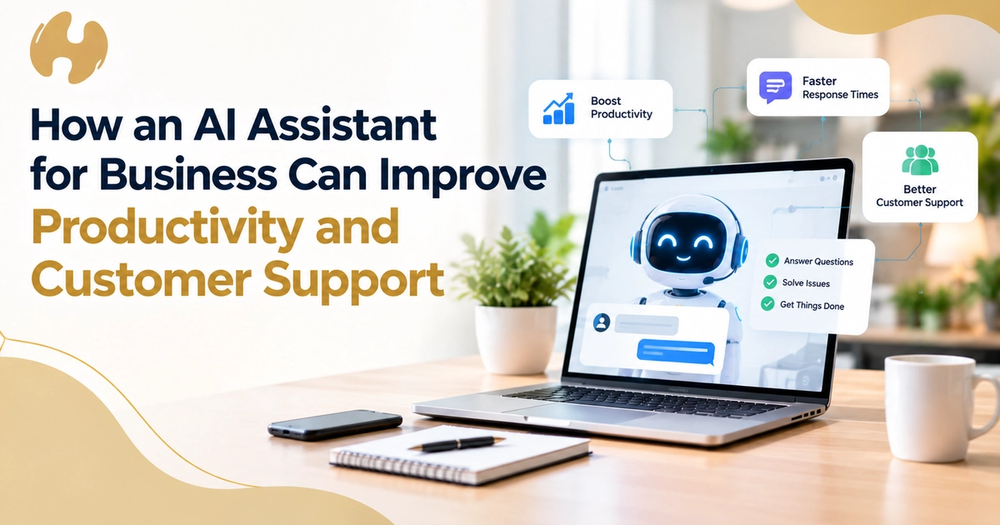
A customer asks for a revised quote. Someone finds the email, searches the CRM, checks pricing in another system, drafts the reply, updates the record, and tells a colleague what was promised. The email took two minutes. Everything around it took twenty. That surrounding work is the real test for any AI assistant for business: can it understand the context and handle more of what happens after the customer asks the question?
The Customer Question Is Only the Start
One enquiry rarely stays one task. A quote request touches the customer record, pricing, an approval, a booking, and an invoice, and somebody finds, moves, or remembers something at every step. The real cost often appears after the customer presses send.
Where Business Productivity Actually Gets Lost
Reconstructing context
Before anyone can answer, someone must identify the customer, the last conversation, and the quoted terms.
Moving information between systems
Email holds the request, the CRM holds the history, the accounting package holds the invoice, and the calendar holds the booking. Your software works. It just doesn't necessarily work together, so the employee becomes the memory between systems.
Remembering what happens next
The follow-up nobody scheduled. The quote nobody chased. The handover nobody mentioned, so the customer explains everything again to someone new.
Waiting for another person
Work stalls while it waits for an approval, a price check, or a colleague who is in a meeting. The task is ready. The person isn't.
What an AI Assistant Changes
Each of these gaps is a person carrying work forward by hand, and an assistant can carry context from one step into the next instead, which matters more than writing text. With the right access, it can retrieve records, prepare work, update systems, create follow-ups, identify what needs to happen next, and pass decisions to a person. Exactly how much depends on integrations, permissions, and workflow design.
Customer Support Gets Better When the Business Remembers
Customer support is not only the conversation. It is everything the business must do to support the customer. A quick reply that forgets the customer after a Monday email, Wednesday call, and Friday chat is only half the job.
AI customer support can handle routine questions and draft replies from that history, while people handle sensitive or unusual cases. Satisfaction is not guaranteed and depends on a correct history.
From "What Should I Reply?" to "What Needs to Happen?"
Think of it as a ladder: answering, recommending, preparing, acting, and escalating.
A customer asks to move a booking. The assistant identifies the customer, retrieves the booking, checks the rules, reads the earlier conversation, and drafts the reply. It then updates the record, creates the next task, and, if a fee or exception is involved, asks a person to approve before anything is sent.
The assistant decides nothing is important. It does the work around the decision, so the person only has to make it.
The Assistant Is Only as Good as Its Context
A generic model knows how businesses usually work, not your pricing, your exceptions, or how your team handles a refund. Bringing that knowledge into a company brain gives the assistant a shared, current source to work from. An assistant working from last year's price list will be confidently wrong.
What Should Businesses Look For in AI Assistant Solutions?
When comparing AI assistant solutions, ask whether they can reach the right context, connect to the software you already use, execute workflows rather than only chat, and show where their information came from. Then check control: can permissions be limited, sensitive actions held for approval, and every step recorded? Finally, do they adapt to your processes or force you into their own?
Where AI Assistants Should Not Replace People
People should stay in charge of sensitive communication, exceptions, major commercial judgment, and anything carrying real consequences or accountability. An approval-first model fits: the assistant prepares, and the person decides.
When AI Assistant Services Make Sense
Good AI assistant services involve more than model access. Someone has to connect existing software, map workflows, set permissions and approval points, organise business knowledge, and decide what the assistant should and shouldn't do. That is the difference between buying a tool and building an assistant around how the business operates, without ripping out software that works.
FAQs
What can an AI assistant for business do?
Retrieve customer history, draft replies, update CRM records, create follow-up tasks, and send quotes for approval, provided it has the integrations and permissions to do so.
Can an AI assistant work with existing software?
Often, yes. A well-configured assistant connects to the email, CRM, accounting, and calendar tools you already use instead of replacing them. First, check which integrations are supported.
Can an AI assistant support people without replacing them?
It can answer routine questions and draft responses based on the customer’s history. People should handle sensitive, complex, or unusual cases and approve anything with commercial or professional consequences.
How is an AI assistant different from a chatbot?
A chatbot mainly answers questions. An assistant with business context and system access can also prepare work, update records, and create next steps, with people approving important actions.
What should a business automate first?
Choose a contained workflow where people repeatedly retype information or chase follow-ups, such as quote follow-up, and keep approval in place while you learn.
Start With the Handoff, Not the AI
Start by asking where people keep reconstructing context, where information stops moving, where someone has to remember what happens next, and where people do work the systems should be doing.
The most useful AI assistant for business isn't the one with the cleverest answer. It is the one that understands what has happened, what needs to happen next, and when a person needs to decide. Talk to The Artificial Organisation about finding where that work sits and what could be removed.